 Renlumi
Two ways to read your mail
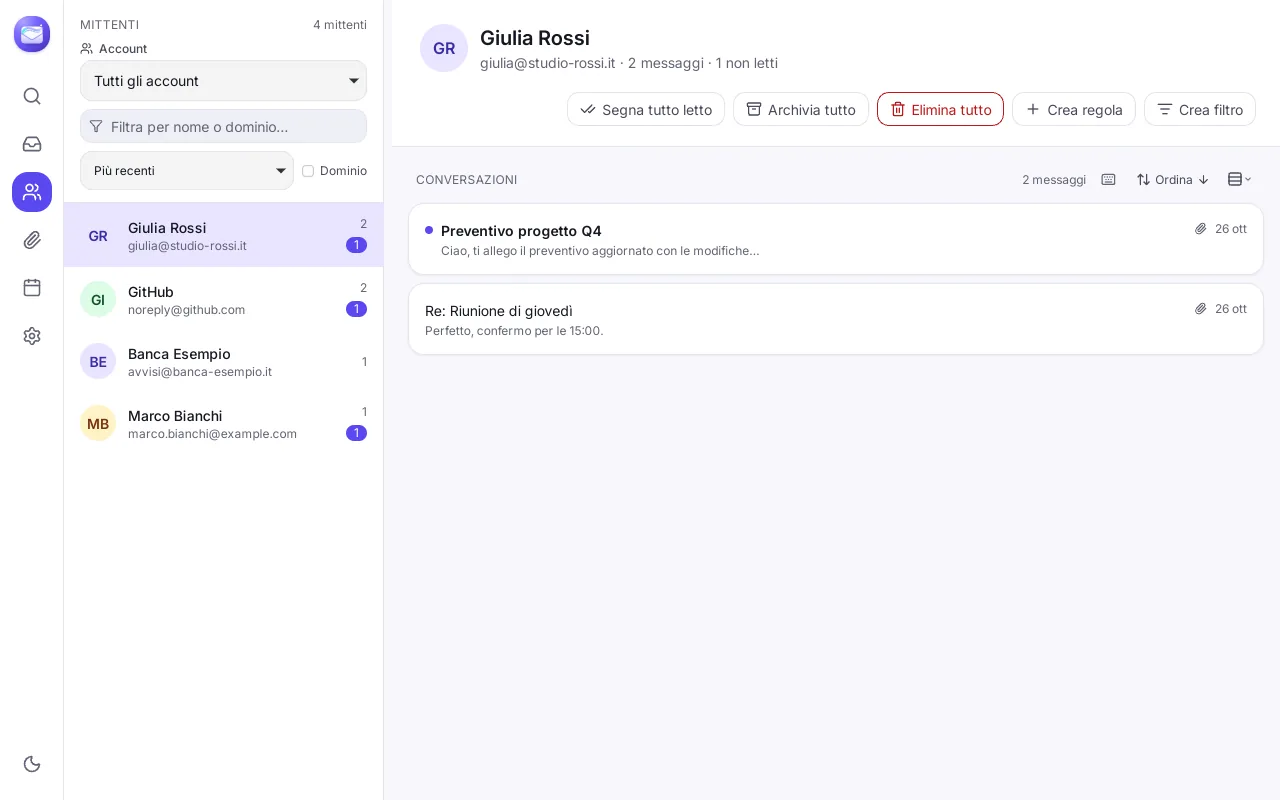
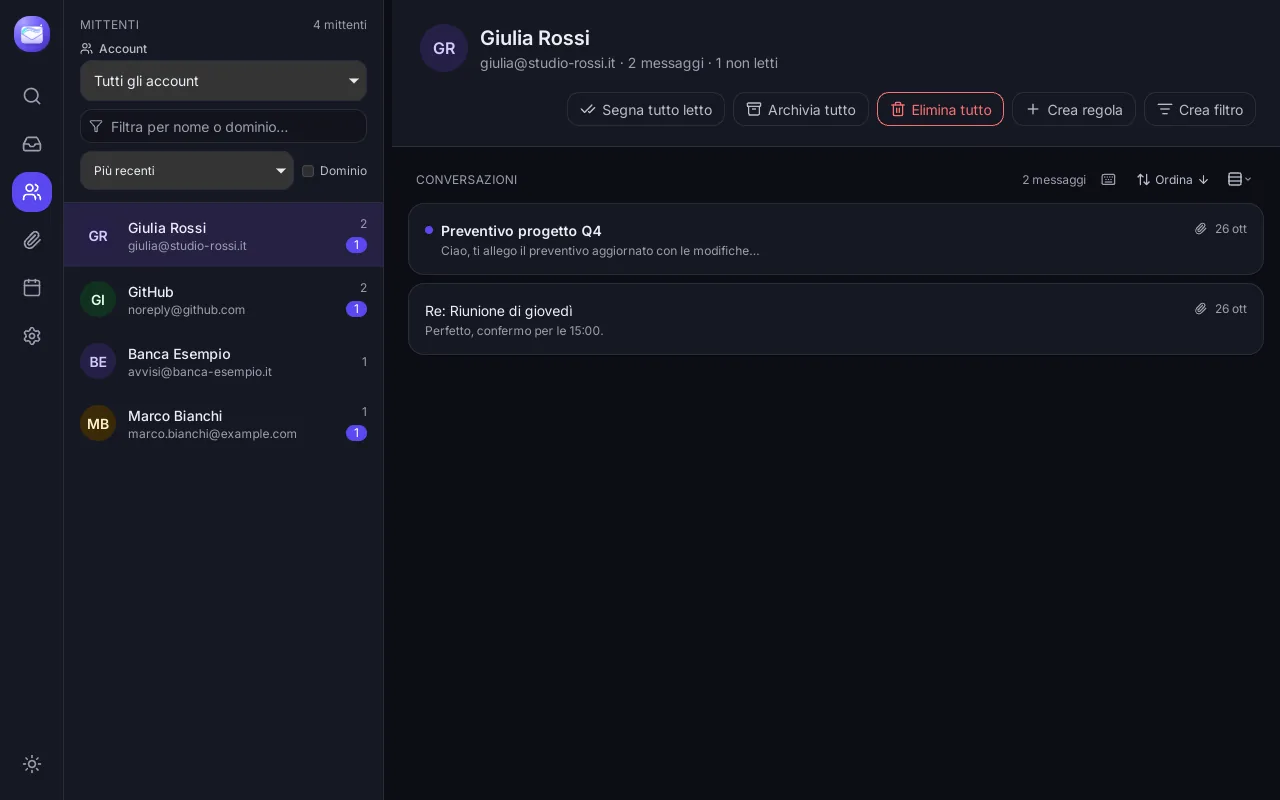
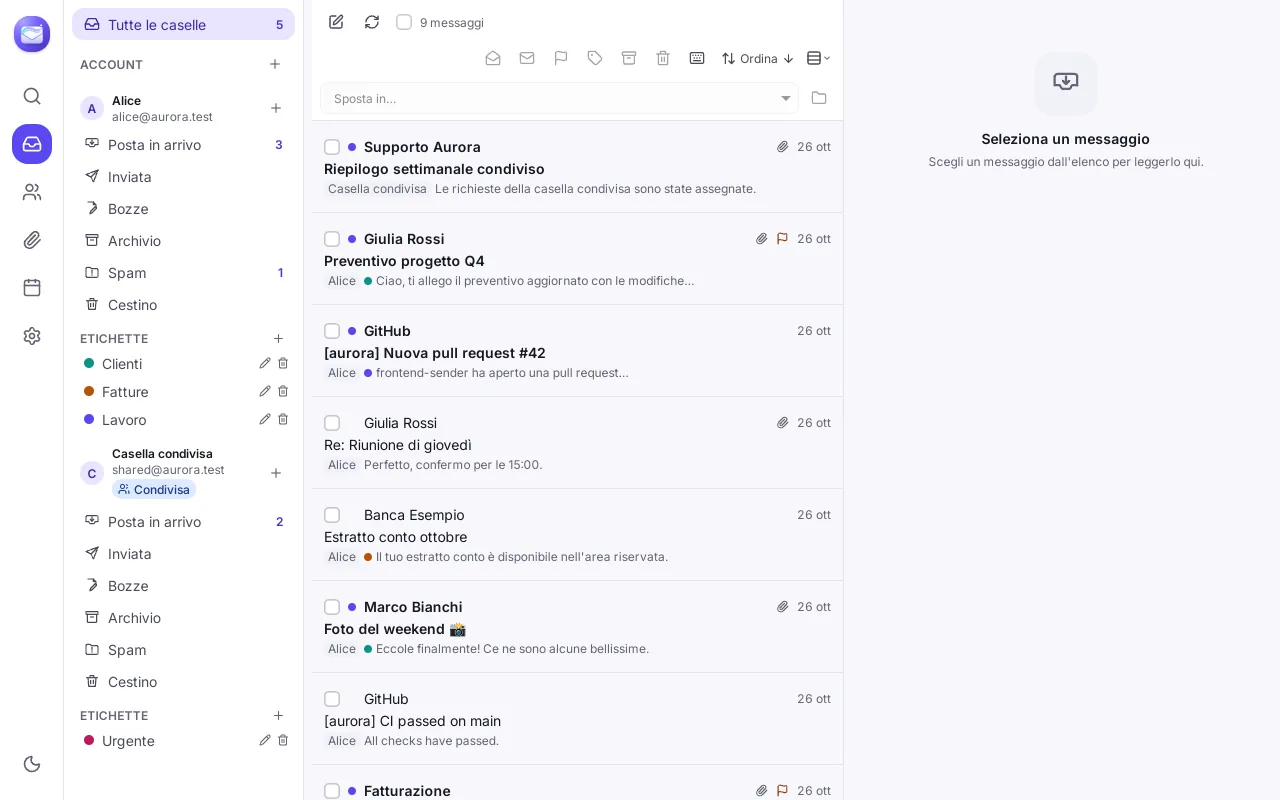
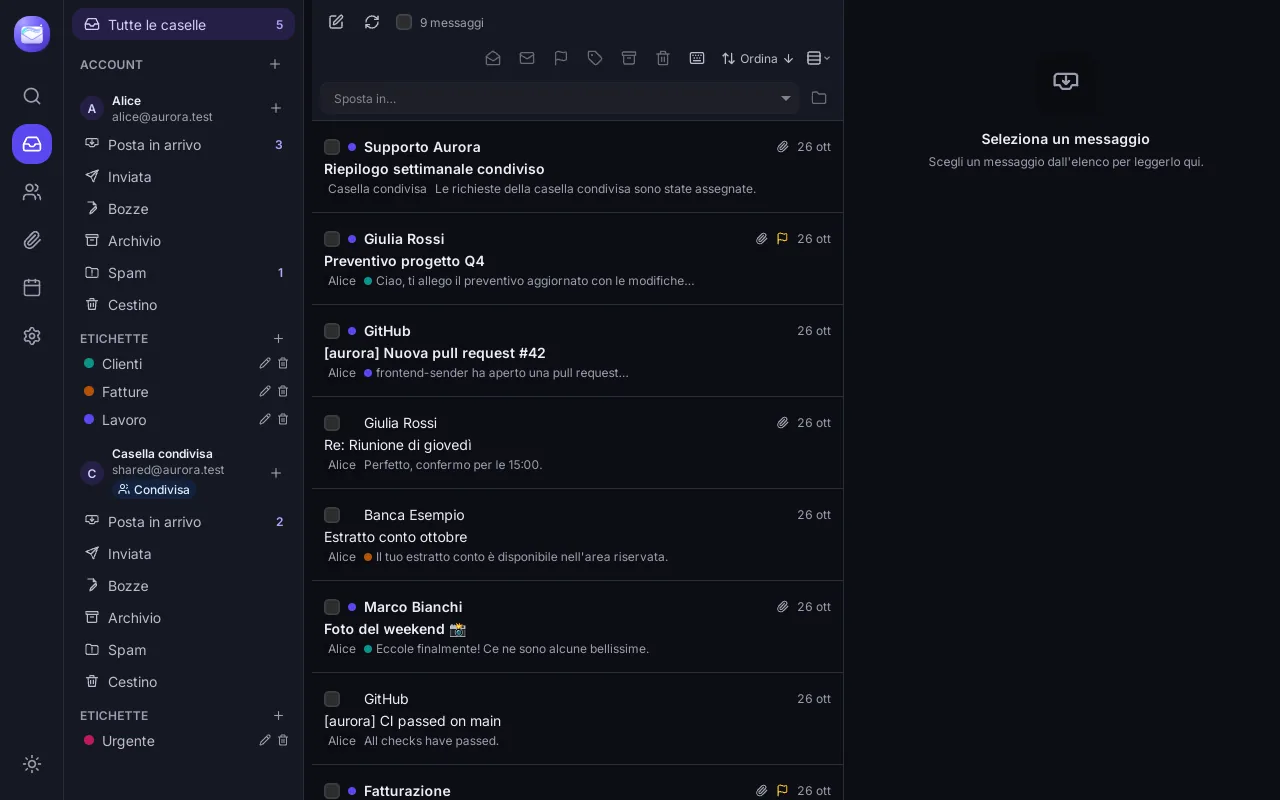
The classic view with folders, list and reading pane, or the per-sender view that groups every message by person, with quick actions like “Mark all read”, “Archive all” and “Create rule”.
Renlumi brings messages, conversations and appointments together in a fast, tidy, privacy-respecting desktop client. Your data stays on your device.
Works with the inboxes you already use
A client built in Rust to be fast, that works offline and keeps your inboxes in order.
The classic view with folders, list and reading pane, or the per-sender view that groups every message by person, with quick actions like “Mark all read”, “Archive all” and “Create rule”.
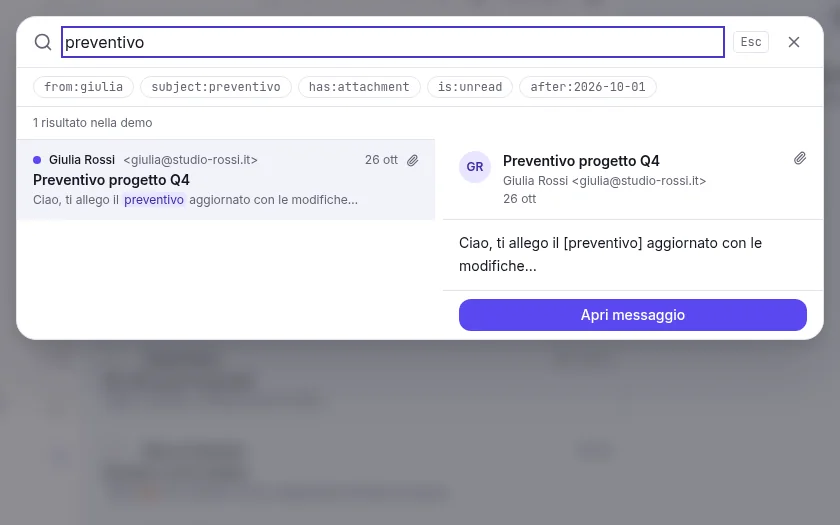
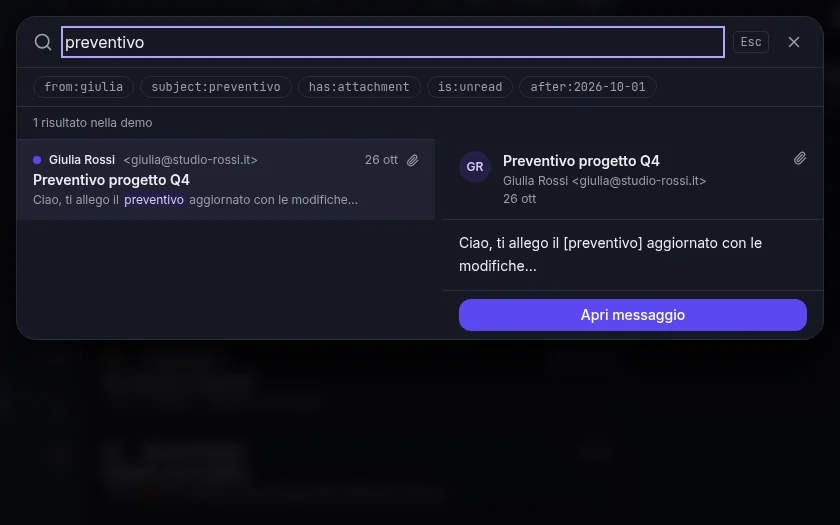
Global search with Ctrl/⌘+K: a local full-text index over subject, body, recipients and attachment names, with filters for sender, status and date.
Multiple accounts, unified inbox and shared mailboxes. OAuth2 for Gmail, Microsoft 365 and Yahoo; IMAP/SMTP for everything else.
Hit “Send” too soon? You get a few seconds to change your mind, right from the toast.
Import Thunderbird and Apple Mail profiles, .mbox files and .eml folders. Export to mbox or EML without rewriting headers.
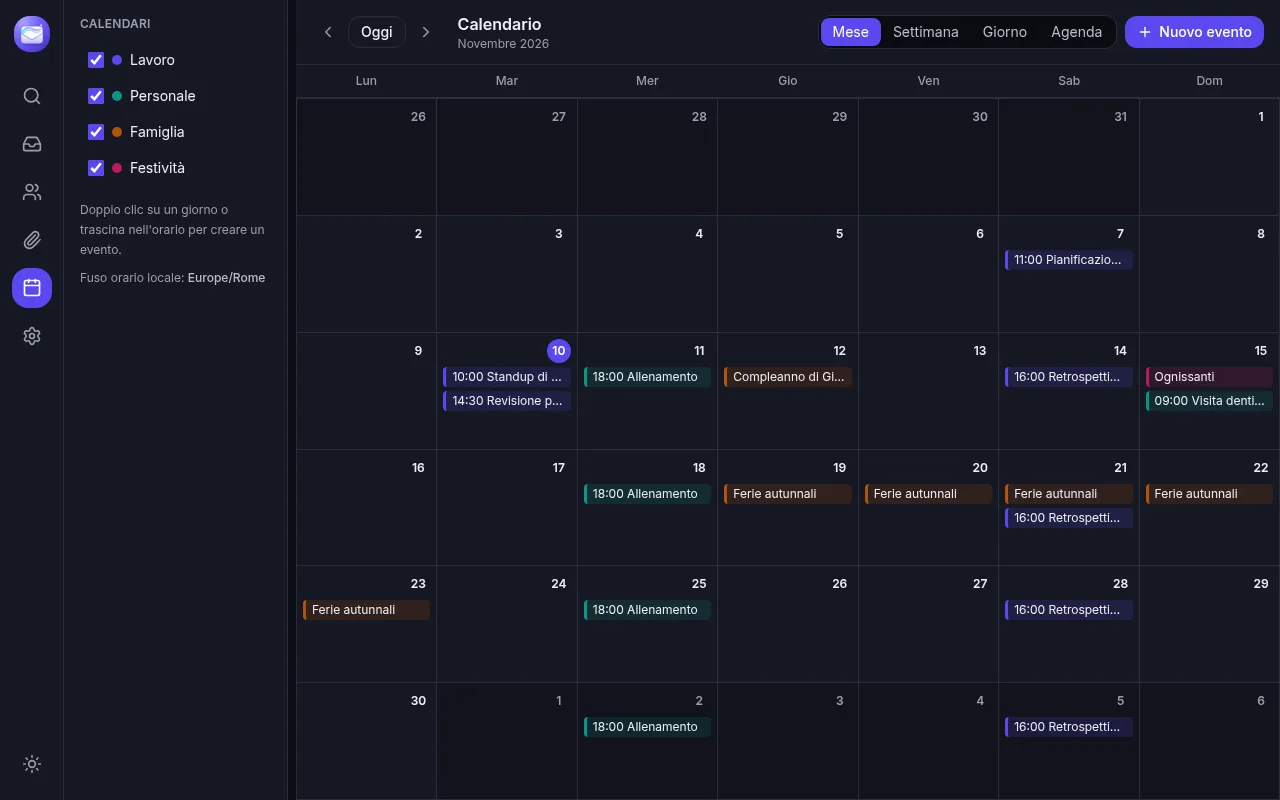
CalDAV, Google Calendar and Microsoft events next to your messages. Invitations received as attachments become event proposals.

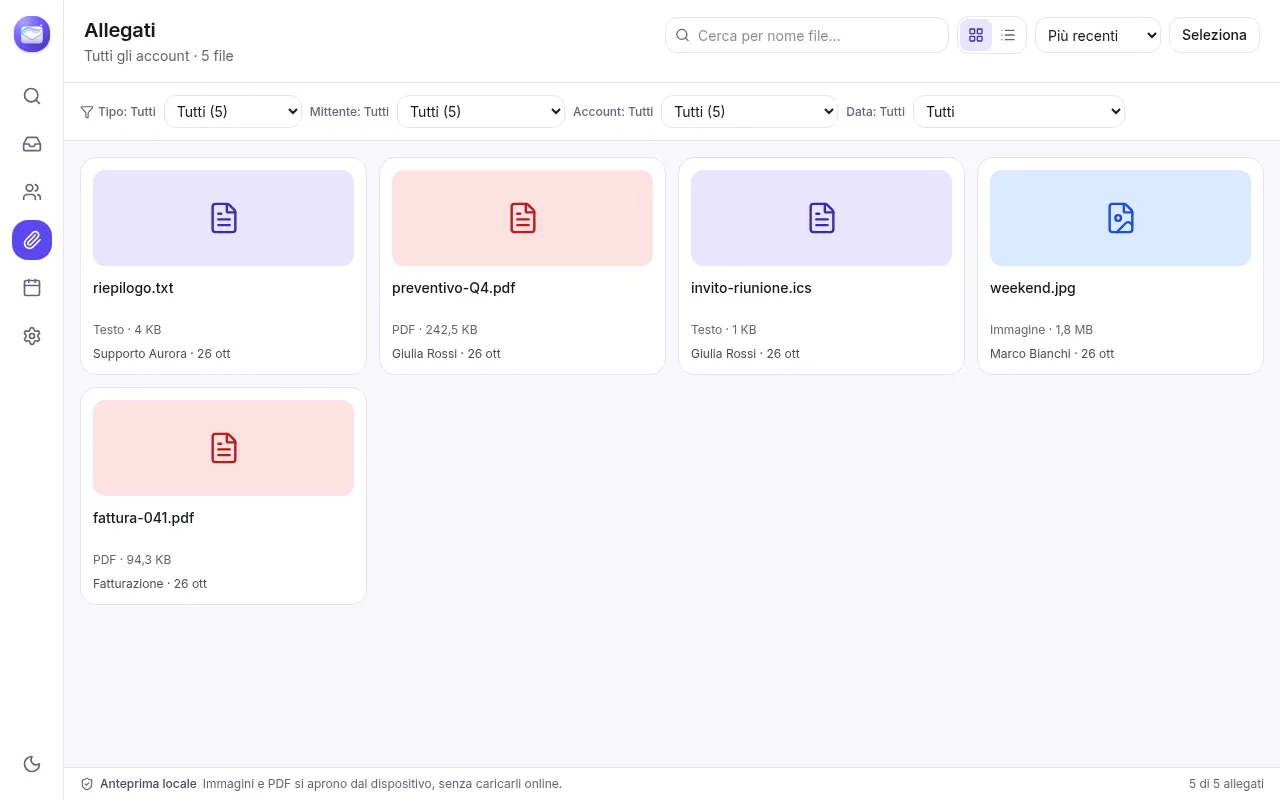
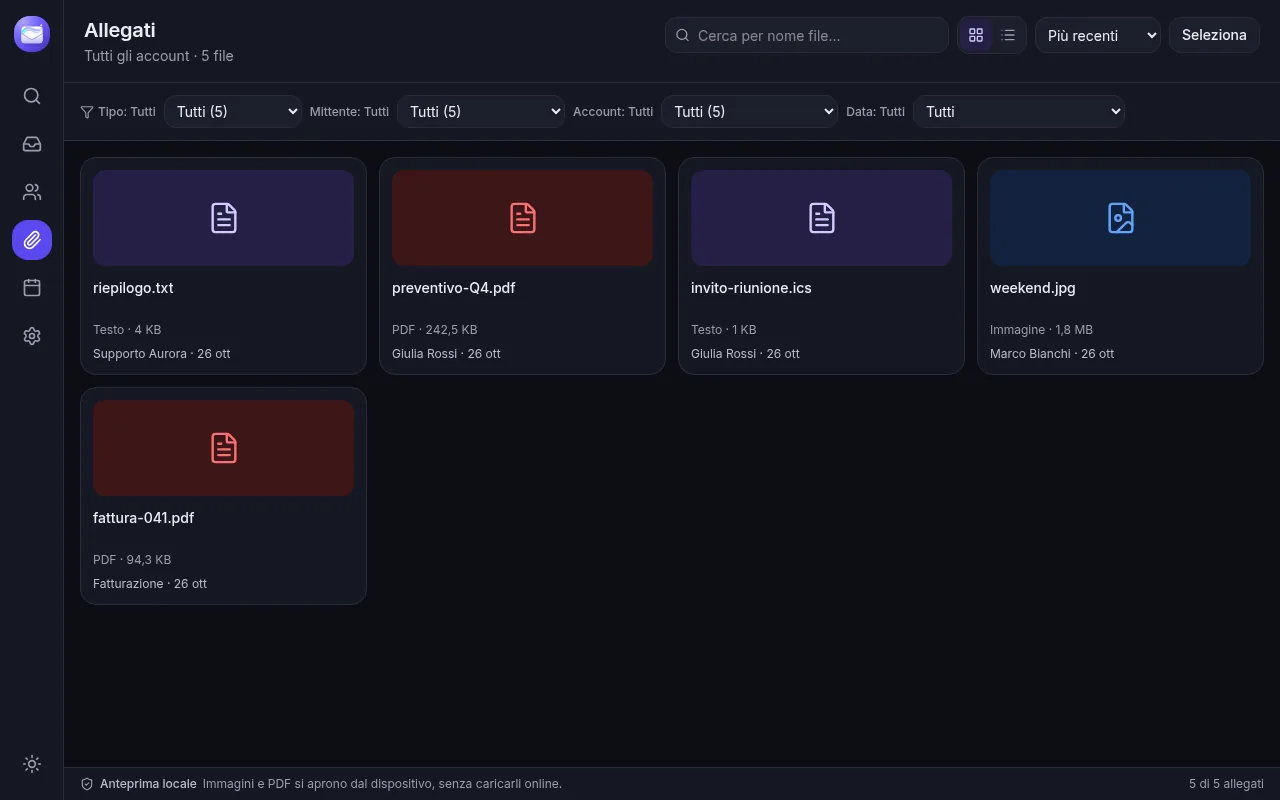
Every attachment in a dedicated view, with filters and preview, without hunting for the right message.
For each person: profile, recent messages, attachments and shared events. Plus a VIP list for the people who matter.
Per-sender rules and filters applied to new mail: archive, mark as read or delete automatically.
Sign and encrypt from the composer, import and export keys. Private keys stay in the encrypted keychain.
Thread summaries and reply suggestions in your own style. Off by default, with explicit consent and your choice of provider: local Ollama or an OpenAI-compatible endpoint.
Connect your AI agents to your mail and calendar. Disabled and read-only by default; nothing is sent without your confirmation.
Switch views in one click: same inboxes, same cache, two different perspectives.
Renlumi has no central server: your mail is stored locally and nothing leaves your device without an explicit action from you.
Mail synced to a local SQLite database: read and search even without a connection.
Passwords and OAuth2 tokens live only in the system keychain. TLS connections.
Remote images blocked and tracking pixels held back until you allow them.
When a link's text hides a different address, Renlumi shows the real domain before opening it.
The assistant is off by default and shows exactly which data would be sent.
No usage tracking and no recipients ever added to your emails.
Renlumi starts as an email client and grows to bring together everything you need to work.
The per-sender view becomes a real chat, like Telegram or WhatsApp.
Notes linked to messages, people and events.
Tasks and reminders straight from your inbox.
Mail, calendar, contacts, files, notes and tasks in one place.
 v0.2.86Active development
We're preparing the first release for Windows, macOS and Linux. In the meantime, see what it already does and what's coming.
Renlumi is a desktop app for Windows, macOS and Linux, built with Tauri, Rust and React.
Gmail, Outlook/Microsoft 365, iCloud, Yahoo and any IMAP/SMTP mailbox. Gmail, Microsoft 365 and Yahoo sign in with OAuth2.
On your device, in a local database. Credentials live in your operating system's keychain. Renlumi has no server that reads your mail.
Renlumi is in active development. Release date and price haven't been set yet: news will be published on this site.
Yes, if you want to. The assistant is off by default and works with local Ollama or an OpenAI-compatible endpoint, only after your consent.